
References

Work you
can see.

A restaurant that is live. And four further builds: each with the landing page and the system behind it. Anonymous, with sample data — the way we would set it up for you.

Live projectA tool of our ownOther industries

01 / RESTAURANT

Sakhli 1904. A house in Tbilisi.

Website · EN / RU / KALive
Live in the deviceThe real mobile website.

No image montage: the site runs directly inside the phone. Scroll up and down in the display with a mouse, trackpad or finger.

Scroll inside the display ↕
Interactive mobile live websiteSakhli 1904 Art Restaurant

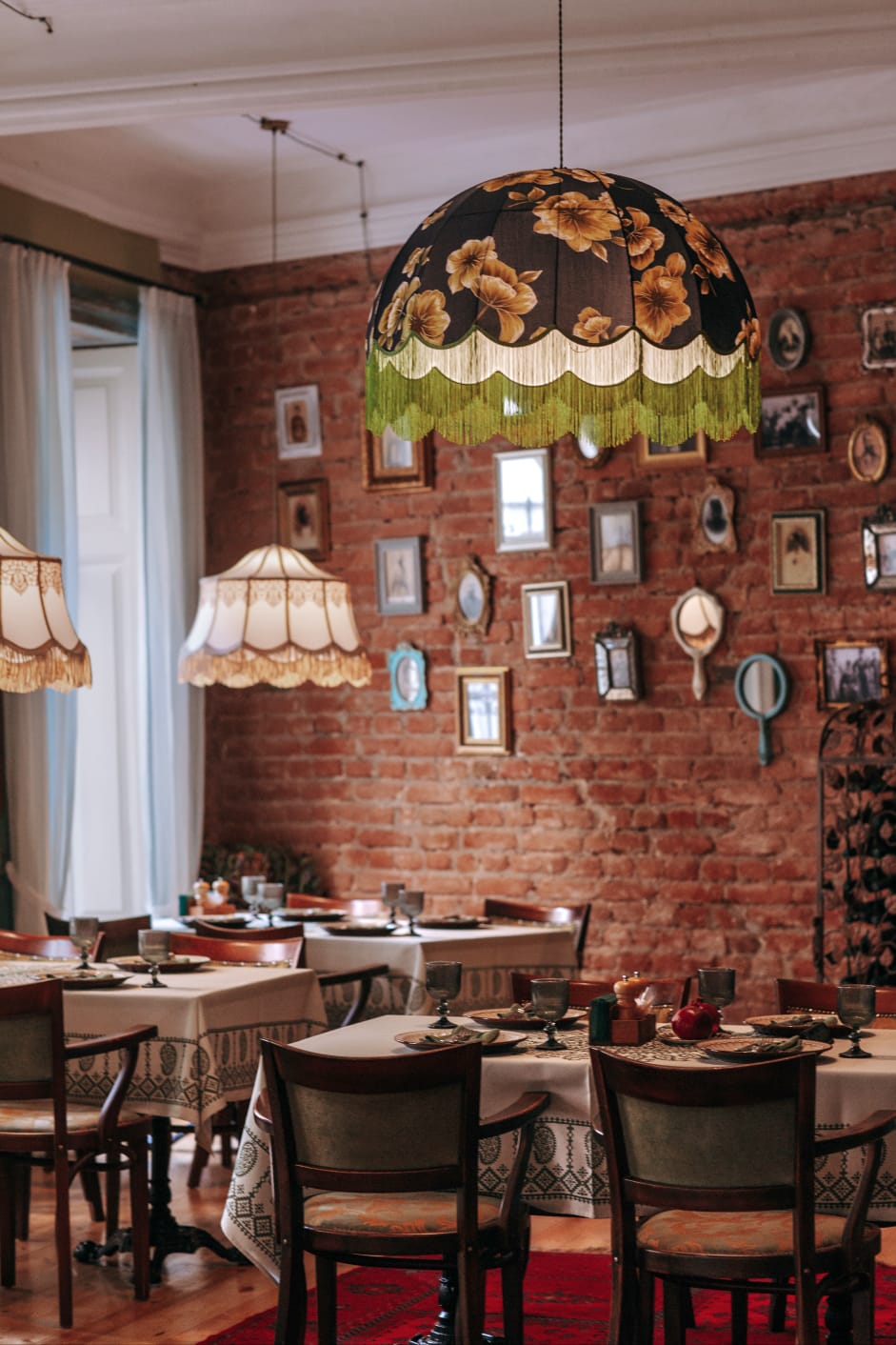
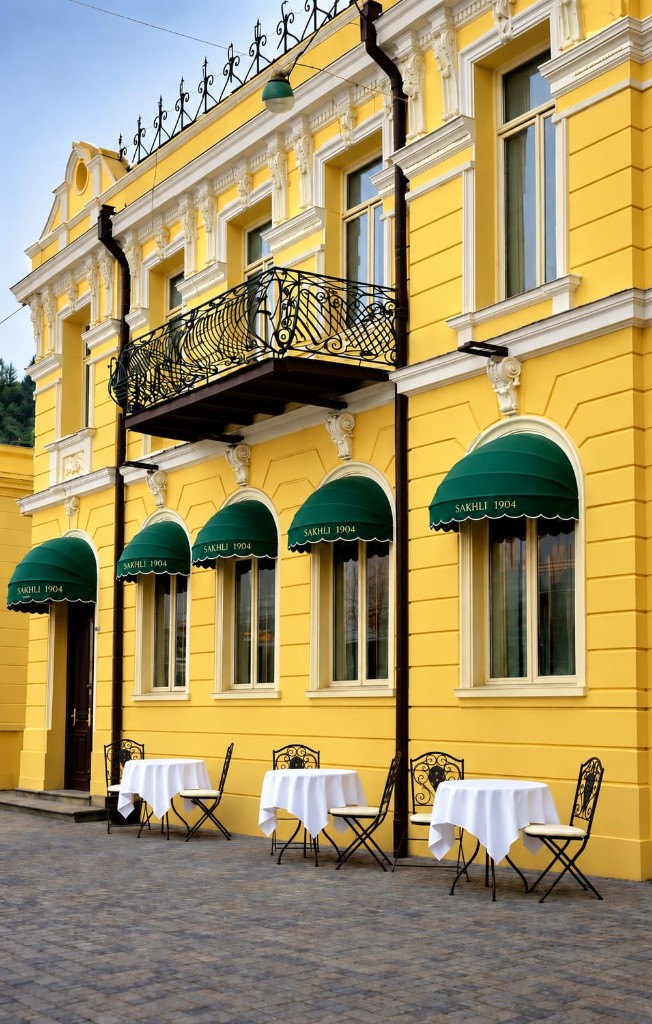
A Georgian art restaurant in the old town. The site tells the house: yellow plaster, an iron balcony, the dining room, the menu as photographs, how to find it. Three languages, one line, and a reservation on the same domain.

No template. No third-party booking window with someone else’s mark. The guest stays on sakhli1904.ge — from the first lamp to the table.

  • PresenceBrand, type and imagery taken from the house itself.
  • ContentStory, menu, gallery, visit — written with care, on the site in EN, RU and KA.
  • Next step“Reserve a table” opens our booking, not a pile of fields.
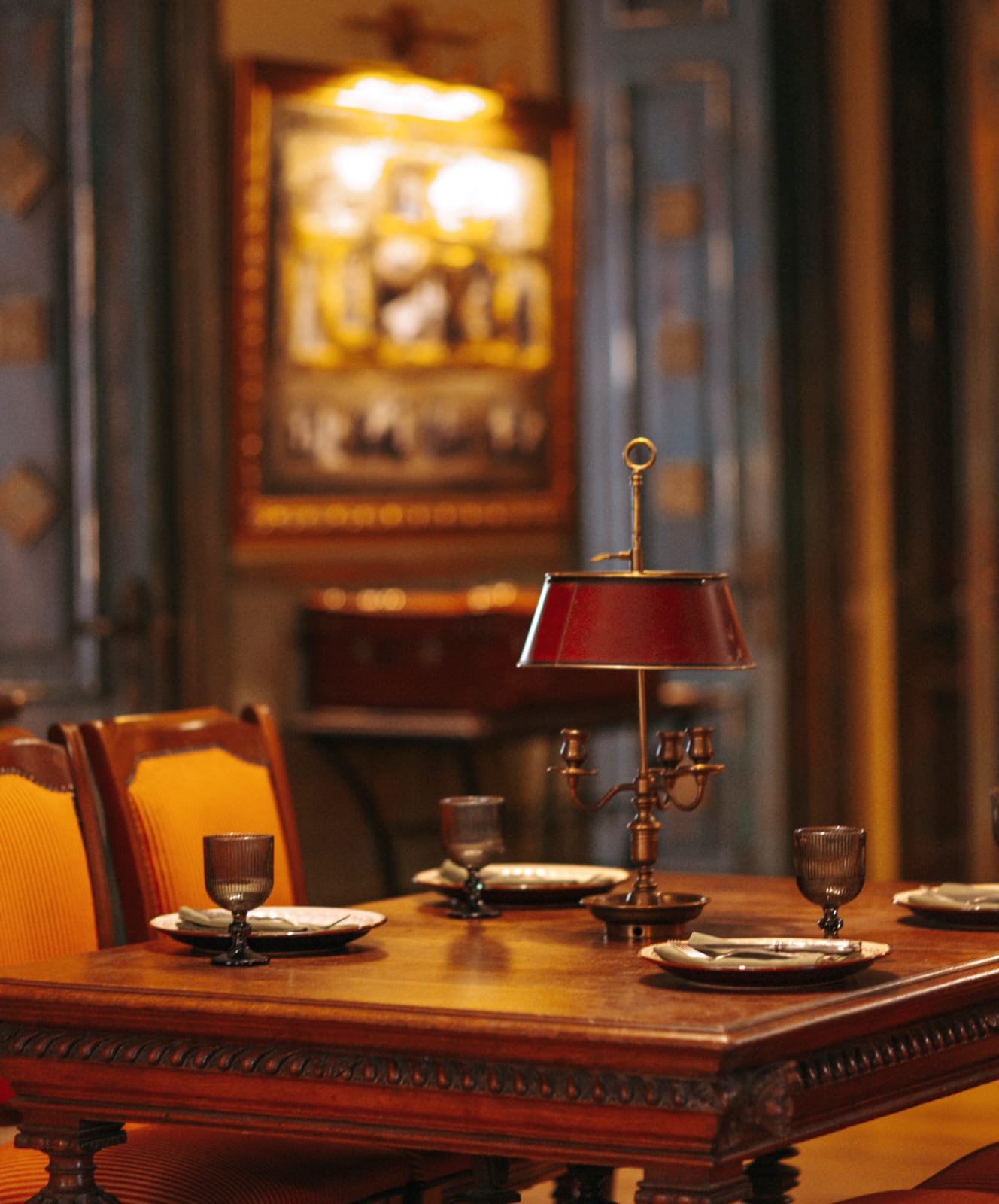
A set table in the dining room
Dining room
Facade with the year 1904
The house, 1904
Another view of the rooms
Rooms stay rooms

02 / THE TOOL

The table is booked.

For restaurantsIn use

Guests choose party size, day and time. Then name, phone, email, a note. Confirmation appears at once, with a reference. The restaurant sees the booking in a PIN-protected view and can cancel it.

Opening hours, seats and how long a table sits decide what is free. Install: one line of code on the website — or a booking page of its own, for the menu or for Google.

  • On the restaurant siteNo outside portal. The booking carries the name of the house.
  • Built for the phoneLarge times, one field under the next, the button stays in reach.
  • Visible to the floorNew reservations sit in the restaurant view, not in an inbox.

The real Sakhli booking — not a mock. Every day from 13:00, last booking at 23:00.

Four further builds

Landing page.
Then the system.

No client name. What counts: the page people see first — and the tool that carries the next step. Inquiry, funnel, data import, appointment. Sample data, the way we build it.

03 / TRADES

Metalwork. The inquiry, not the calendar.

Landing page + inquiryExample

Whoever arrives should see what is possible.

The landing page shows the craft. The system behind it is not a calendar. It is an inquiry with the work, the area and an attachment. The workshop gets a job it can read, not an empty contact form.

Websites & inquiries

04 / FUNNEL

One landing page. Five steps to an inquiry.

Landing page + funnelExample

The page draws people in. The funnel sorts.

Landing page for the first impression. Then service, goal, scope, contact, review — one step at a time. We build the same kind of funnel you see on our inquiry page, fitted to your offer.

Walk the funnel yourself

05 / DATA & API

Excel in. The client database writes.

Upload + API + databaseExample

No retyping. An interface.

Excel stays the everyday tool. The portal takes the file, checks the columns, the API writes to the client database. Duplicates, status, the next step — in the system, not in a second spreadsheet.

Data & automation

06 / APPOINTMENTS

The practice site. The calendar on it.

Landing page + bookingExample

The same frame as the table. A different unit.

Landing page for trust. Calendar for the booking. Hours, duration and buffer decide what is free. Confirmation at once, cancellation if needed. For a single practice — not a stand-in for Doctolib.

Ask about appointments